
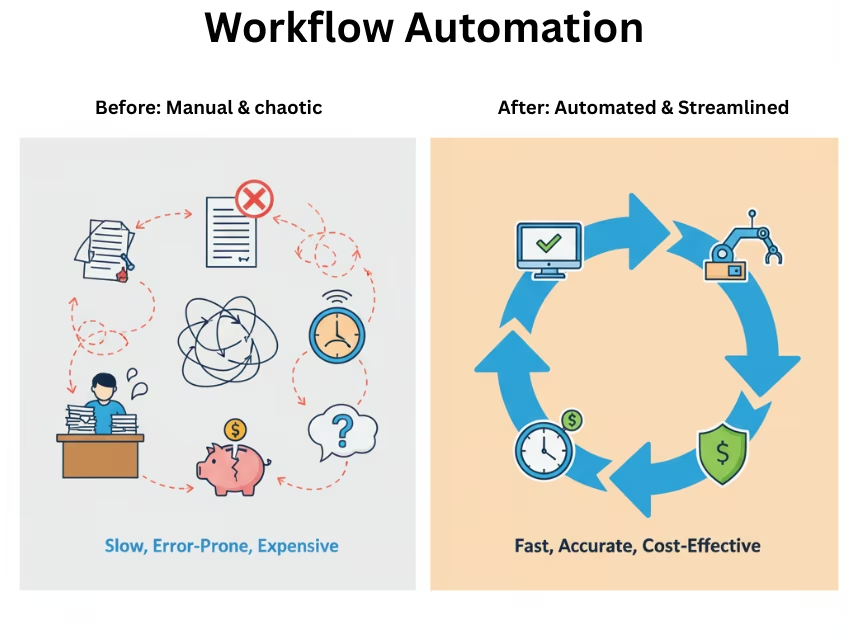
Powerful Workflow Automation: Save 80% Time & amp; Boost ROI
November 5, 2025TL;DR (Key Takeaways)
Workflow Automation sequences pre-defined steps—triggers, conditions, and actions—across SaaS tools to eliminate manual work. It’s deterministic, auditable, and ideal for approvals, notifications, data syncs, and routine API-to-API operations that don’t require heavy transformation or complex data modeling.
What is workflow automation?
A workflow runs when an event occurs (webhook/schedule), evaluates conditions (if/else/filter), and performs actions (API calls, messages, record updates). It excels at repeatable, well-understood tasks with predictable paths.
Benefits
- Reduce manual copy-paste and handoffs
- Standardize execution and ensure SLA compliance
- Speed approvals and shorten cycle time
- Provide auditable trails for governance and audits
High-impact use cases
- Marketing ops: Form → CRM lead → nurture → Slack alert
- Sales ops: New deal → approvals → CPQ → eSignature → invoice
- Support: Ticket intake → auto-triage → escalation → CSAT survey
- Finance: PO approval chain → invoice posting → payment notifications
Core building blocks
- Triggers (webhooks/schedules)
- Conditions & branching (filters/thresholds)
- Actions (API calls/DB writes/notifications)
- Resilience (retries/backoff/idempotency)
- Governance (RBAC, versioning, rollbacks, rate limits)
Implementation steps
- Map the process (swimlanes, inputs/outputs, SLAs)
- Define data contracts and error policies
- Add idempotency keys, retries, and timeouts
- Secure credentials with least privilege and rotation
- Test with fixtures; add alerts and a dead-letter queue
- Roll out incrementally; measure time saved, error reductions, SLA adherence
When to use iPaaS instead
Need database/FTP/SFTP connectivity, heavy transformations, or enterprise-grade observability? Move up to iPaaS for deeper integration requirements.
When to add AI
Inputs are unstructured (emails, PDFs, chats)? Insert AI steps for classification/extraction → see AI Workflow Automation.
Common mistakes
- Over-branching flows: refactor into reusable subflows
- No error taxonomy: standardize errors (client/server/transient/validation)
- Secrets in configs: move to a vault; use per-environment variables
- No KPIs: track throughput, success %, median/p95 latency, and rework
Next Steps
- Book a Demo: bizdata360.com/book-demo
- See Automation Templates: AI Workflow Downloads
- Sign Up / Get Access: Start Free Trial
Frequently Asked Questions
Powerful Workflow Automation: Save 80% of Time and Boost Efficiency-2025
- Workflow Automation with eZintegrations™When your priority is deterministic API-to-API sequencing—triggers, conditions, and actions that just run—eZintegrations™ gives you the speed and guardrails to scale. Start with ready patterns (approvals, notifications, data syncs), add idempotency, retries, and alerts out-of-the-box, and graduate to complex flows without switching tools
- What breaks most often?Changed API contracts and missing retries—use schema checks and exponential backoff.
- How do I prove ROI?Hours saved, SLA compliance, cycle-time reduction, accuracy gains, and downstream revenue impact.
- Do I need developers?Not for common cases; advanced steps may need scripts or custom actions.
- Workflow automation vs RPA?RPA automates UI clicks; workflows integrate via APIs and events. They’re complementary.

