
Automate PDF/IMG Purchase Order to Acumatica ERP- 3 Steps
$0.00
| Workflow Name: |
Automate Purchase Order to Acumatica ERP |
|---|---|
| Purpose: |
Automate end-to-end PO flow for accuracy and faster fulfillment. |
| Benefit: |
Cuts manual work, speeds order cycles,improves data accuracy |
| Who Uses It: |
Procurement Managers, Finance Teams, ERP Admins, Supply Chain Analysts. |
| System Type: |
ERP |
| On-Premise Supported: |
Yes — IPSec tunnel for secure internal data transfer |
| Supported Protocols: |
REST, HTTPS, SOAP, SFTP. |
| Industry: |
Retail |
| Outcome: |
90% faster; 100% accuracy |
Table of Contents
Description
| Problem Before: |
Manual PO entry caused data errors, duplicate records, and delayed approvals. |
|---|---|
| Solution Overview: |
Automates PO creation and sync with Acumatica via REST APIs—validates, transforms, and uploads in real time. |
| Key Features: |
Real-time PO sync, validation, error handling, audit trails, and dashboards for visibility. |
| Business Impact: |
Cuts PO cycle time by 70%, improves accuracy by 95%, and eliminates most manual entry. |
| Productivity Gain: |
Teams process 3× more POs, freeing time for analysis and planning. |
| Cost Savings: |
Saves $50K–$100K annually; achieves ROI within 3–4 months. |
| Security & Compliance: |
SOC 2, ISO 27001, and GDPR compliant for secure data handling. |
Automate Purchase Order to Acumatica ERP Workflow
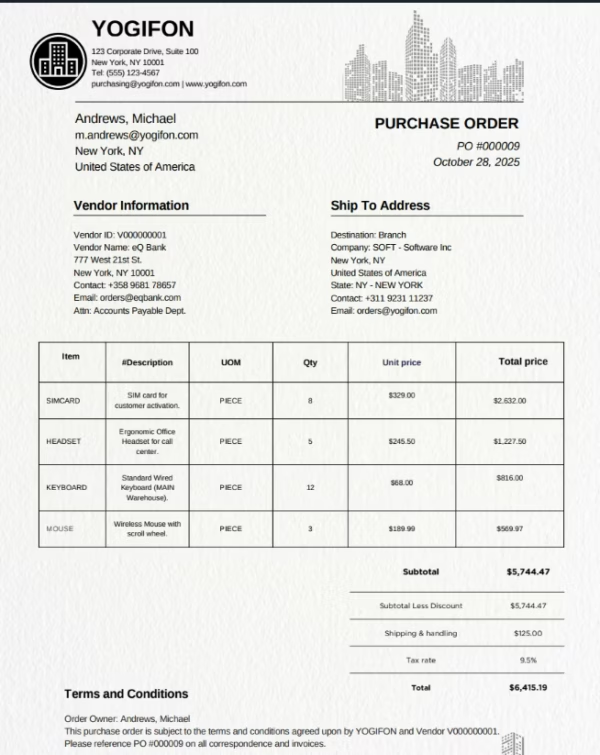
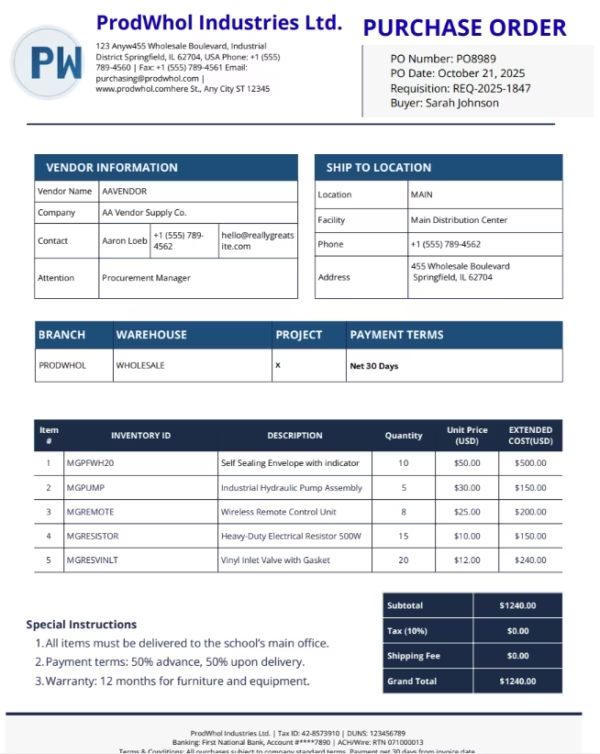
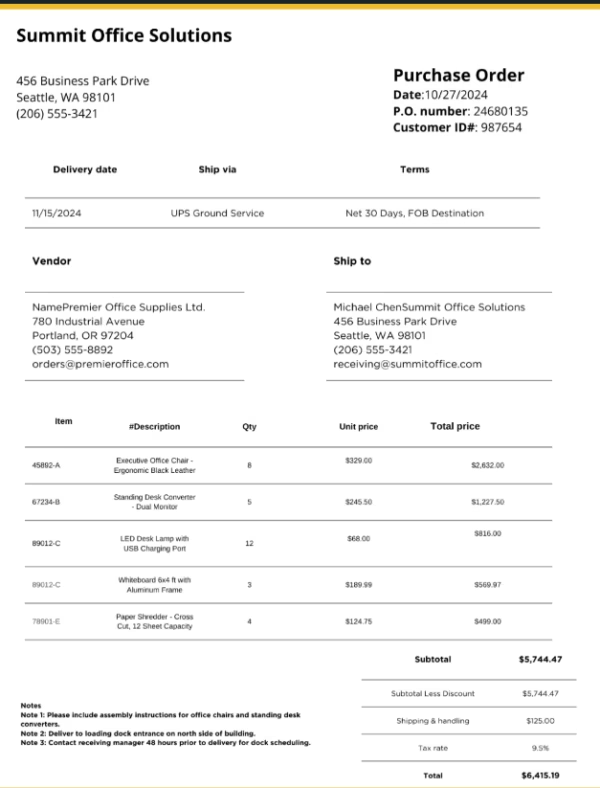
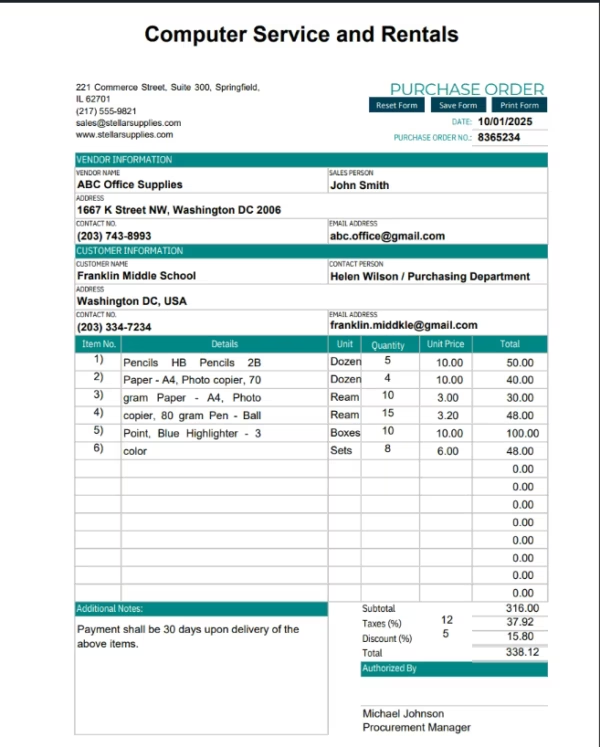
Streamline the entire Purchase Order to Acumatica ERP process by automating data extraction, validation, and synchronization—directly from PDFs or image-based documents. This no-code workflow leverages AI to read, interpret, and map purchase order data into Acumatica’s schema with near-perfect accuracy.
Intelligent Document Understanding
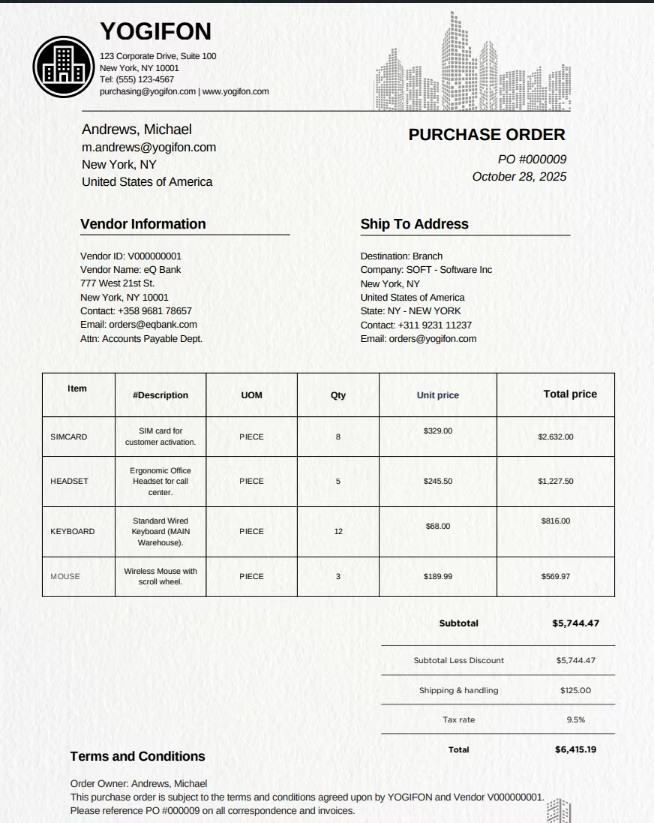
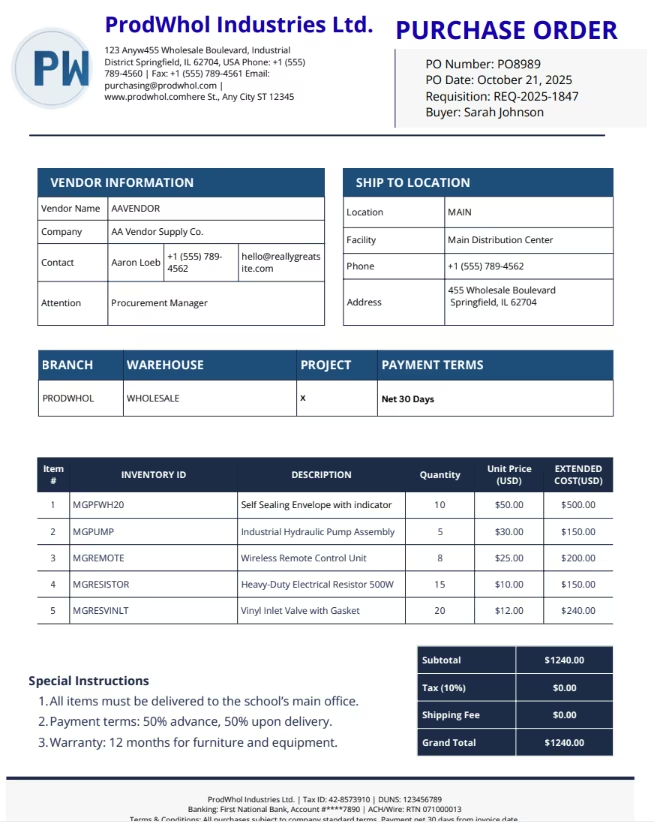
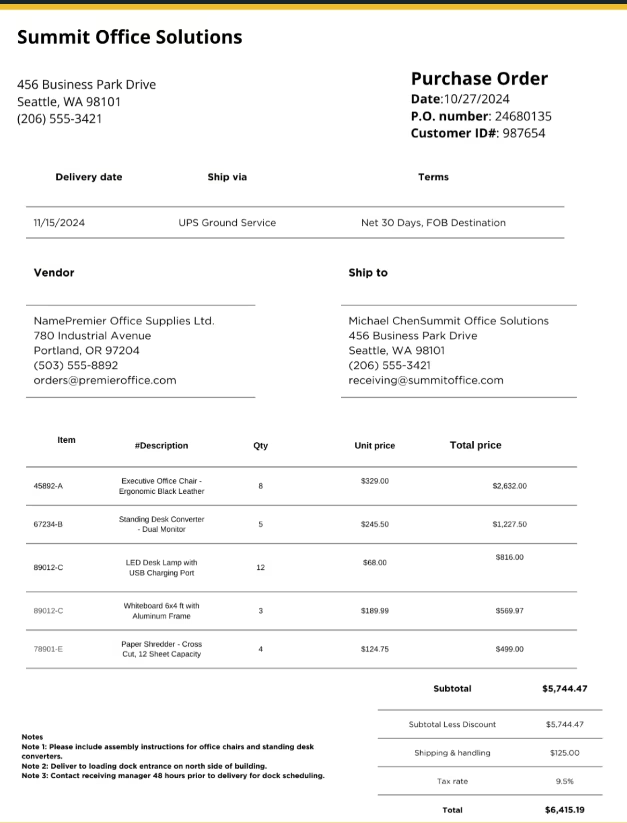
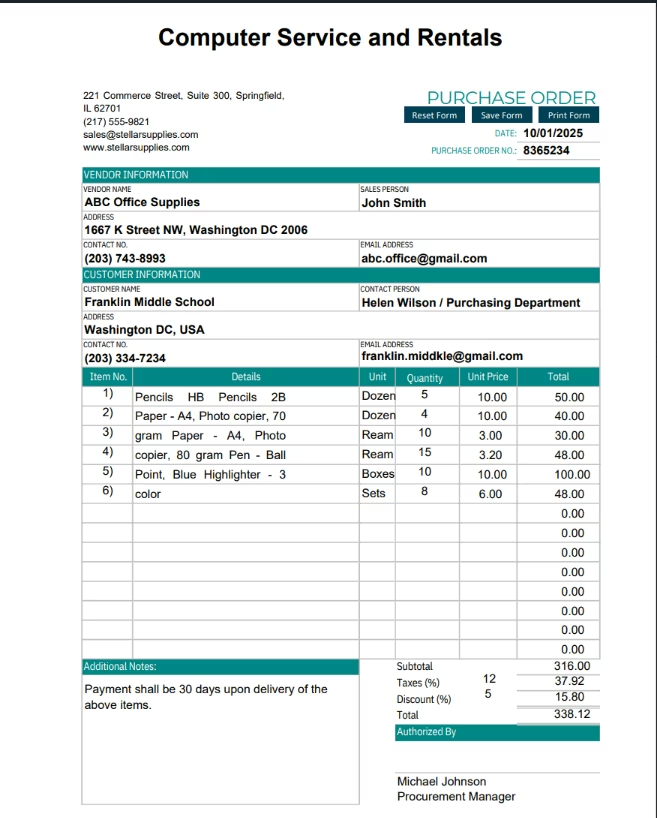
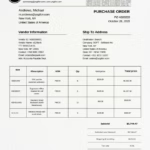
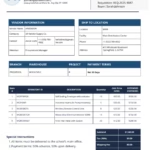
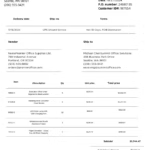
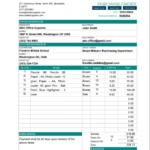
Using AI-powered document recognition, the system identifies key fields such as PO Number, Vendor, Item Codes, Quantity, and Amount from PDF, JPEG, or scanned purchase orders. It automatically validates and standardizes the data before pushing it into Acumatica ERP.
Watch Demo
| Video Title: |
Automate Unstructured Purchase Orders in Any Format (PDF/PNG/Docx) into Acumatica | eZintegrations™ |
|---|---|
| Duration: |
03:20 |
| Video Description: |
In this demo, we showcase how eZintegrations™ AI automates the entire Purchase Order processing workflow from reading unstructured PDF or PNG files in various formats… |
Industry & Function
| Function: |
Supports Procurement, Finance, and Supply Chain functions through automated data exchange and approval workflows. |
|---|---|
| System Type: |
ERP |
| Industry: |
Retail |
Connectivity & Deployment
| On-Premise Supported: |
Yes — IPSec tunnel for secure internal data transfer |
|---|---|
| Supported Protocols: |
REST, HTTPS, SOAP, SFTP. |
| Cloud Support: |
Compatible with AWS, Azure, Google Cloud, and hybrid environments |
| Security & Compliance: |
SOC 2, ISO 27001, and GDPR compliant for secure data handling. |
FAQ
1. How does the Acumatica to Google Sheet integration work?
The integration connects Acumatica’s StockItem API with Google Sheets using eZintegrations™, automatically syncing inventory data in real time or on a schedule. Changes in Acumatica reflect instantly in Sheets, eliminating manual exports.
2. What kind of data is synced from Acumatica?
Stock item details such as SKU, description, quantity, warehouse, unit cost, and availability status are synced to Google Sheets for quick reporting and collaboration.
3. Can I customize which fields get synced?
Yes, field mapping is fully configurable. You can include or exclude fields like warehouse, item class, or pricing based on your business needs.
4. How often can the sync run?
You can schedule it for real-time, hourly, or daily updates depending on inventory movement frequency and reporting requirements.
5. Is the integration secure?
Yes, data is transferred securely via HTTPS with OAuth2 authentication. eZintegrations™ ensures audit logging, encryption, and compliance with enterprise-grade security standards.
6. What’s the main business benefit?
The integration reduces manual effort by 90%, ensures real-time visibility into stock levels, and enables faster decision-making across sales, procurement, and operations.