How to Create a Multimodal AI Chat Assistant
$0.00
| Agent Name: |
Multimodal Chat Assistant |
|---|---|
| Agent Type: |
Multimodal RAG Chat Agent |
| Embedding Model: |
OpenAI / GPT-4V / Gemini |
| Context Window: |
32K / 128K tokens |
| Memory: |
Multimodal session memory |
| Action Tools: |
SharePoint API; Vision Parser |
| Autonomy Level: |
Semi |
Table of Contents
Description
| Observation Inputs: |
Text; images; queries |
|---|---|
| Planning Strategy: |
Detect → Retrieve → Respond |
| Knowledge Base: |
Text & image embeddings |
| Tooling: |
Multimodal RAG APIs |
| Guardrails: |
Content & image safety |
| KPIs Improved: |
Answer accuracy; UX |
Multimodal Chat Assistant
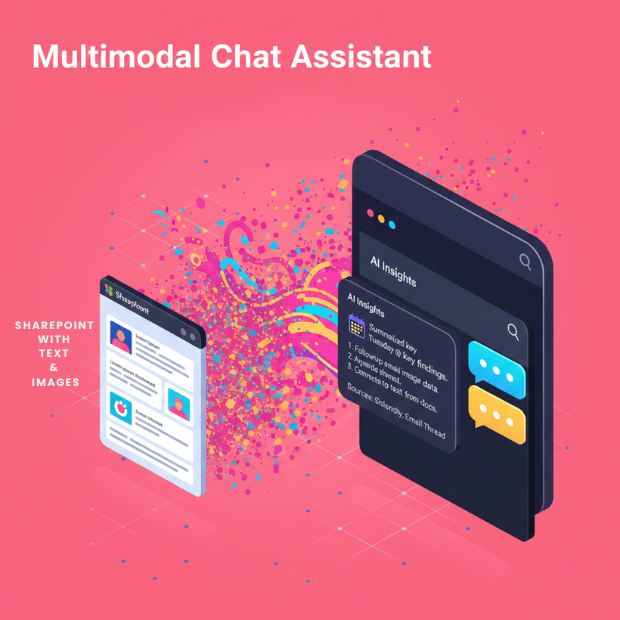
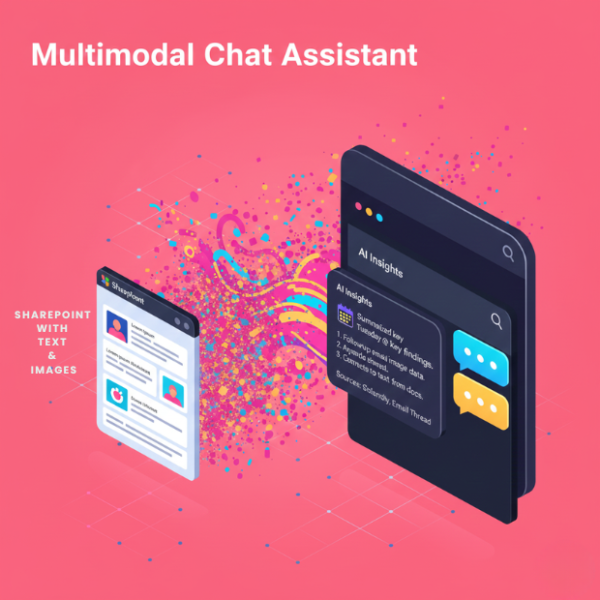
This Chat Assistant enables multimodal conversational interactions, allowing users to query text and visual content seamlessly. It leverages OpenAI, GPT-4V, and Gemini embedding models for contextual understanding across multiple data types.
Interactive Multimodal Conversations for Enhanced Insights
With 32K or 128K token context windows and multimodal session memory, the agent integrates SharePoint API and vision parser tools. Operating in semi-autonomous mode, it helps users access, analyze, and interact with both text and visual data efficiently.
Watch Demo
| Video Title: |
Goldfinch Conversational AI Agent | Bizdata Inc. |
|---|---|
| Duration: |
2:00 |
Outcome & Benefits
| Time Saved: |
-75% document search |
|---|---|
| Cost Reduction: |
-$5k/month support cost |
| Quality: |
Context-aware answers |
| Throughput: |
+6x knowledge access |
Technical Details
| Embedding Dim: |
1536 / vision vectors |
|---|---|
| Retriever Type: |
Text + image retrieval |
| Planner: |
Multimodal reasoning planner |
| Tool Router: |
Modality-aware router |
| Rate Limits: |
API & vision throttling |
| Audit Logging: |
Chat & access logs |
FAQ
1. What is the Multimodal Chat Assistant?
It is a conversational AI agent that supports multimodal interactions, allowing users to query and retrieve information from text, images, and documents using RAG (Retrieval-Augmented Generation) capabilities.
2. How does the Multimodal Chat Assistant work?
The agent uses retrievers to fetch relevant content, a vision parser to interpret images, and generative models to provide coherent, context-aware responses across multiple modalities.
3. What types of data can the agent process?
It can process text, documents, images, and content from sources like SharePoint, enabling users to interact with a combination of visual and textual data.
4. What is the agent's memory and context capability?
The agent maintains multimodal session memory with a context window of 32K to 128K tokens, allowing it to remember prior interactions and provide accurate, context-rich responses.
5. What action tools does the agent use?
It integrates with SharePoint API for data retrieval and uses a vision parser to interpret images, diagrams, and other visual content.
6. What level of autonomy does the agent have?
The agent operates at a semi-autonomous level, handling queries and multimodal interactions while allowing human oversight when needed.
7. Who uses the Multimodal Chat Assistant?
Knowledge Workers, Integration Teams, Analysts, and End Users use this agent to access and interact with multimodal information efficiently for decision-making and analysis.
Resources
Case Study
| Industry: |
Enterprise Knowledge |
|---|---|
| Problem: |
Text & image silos |
| Solution: |
Unified multimodal chat |
| Outcome: |
Faster insights |
| ROI: |
Higher employee productivity |