API to Database Sync: Set it up 5× Faster
$0.00
| Workflow Name: |
API to Database Sync |
|---|---|
| Purpose: |
Automate API data ingestion into database for faster; accurate reporting. |
| Benefit: |
Reduces manual effort; improves data quality. |
| Who Uses It: |
Data Engineers; BI Analysts |
| System Type: |
ERP; SCM; CRM; HCM; PLM; GTM; Analytics |
| On-Premise Supported: |
Yes |
| IPSec Guide Link: |
https://your-domain.com/help/ipsec |
| Supported Protocols: |
REST; GraphQL; FTP; SFTP; Webhook; WebSocket |
| Industry: |
Information Technology / Data Analytics / Enterprise Softwar |
| Outcome: |
3x faster ingestion; 90% fewer errors; accurate reports. |
Table of Contents
Description
| Problem Before: |
Manual API data handling caused delays and errors. |
|---|---|
| Solution Overview: |
Automated API → Database workflow cleans, transforms, and loads data efficiently. |
| Key Features: |
Validation; transformation; batch load; error handling; logging. |
| Business Impact: |
Faster ingestion; fewer errors; accurate reporting. |
| Productivity Gain: |
3x throughput with same team. |
| Cost Savings: |
30% operational cost reduction. |
| Security & Compliance: |
Audit-ready logs |
API to Database Sync – Workflow
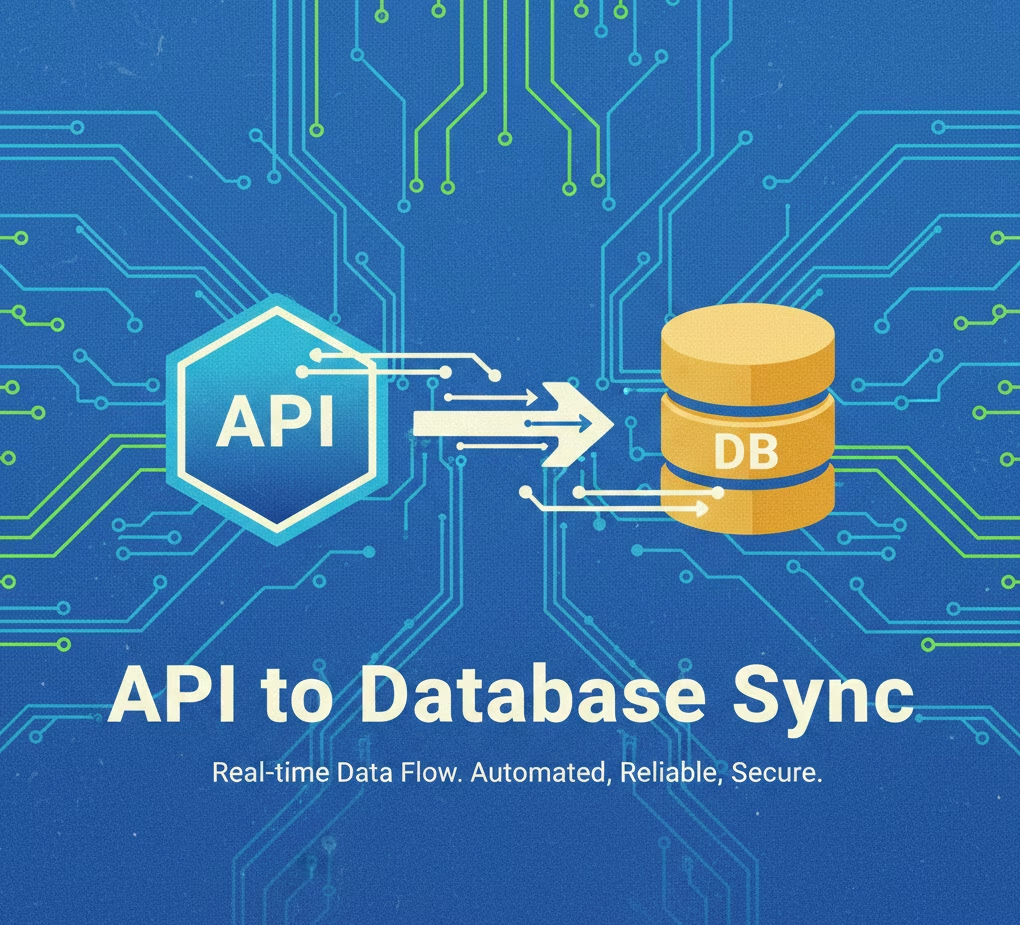
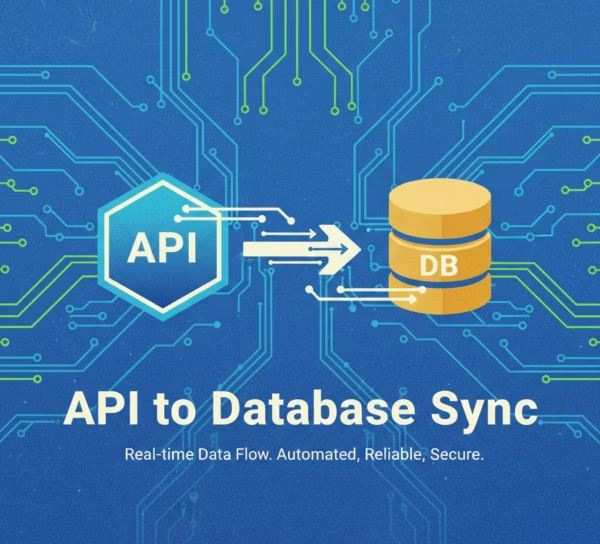
This workflow enables automated ingestion of data from APIs directly into databases. It fetches, validates, and processes incoming API data in real time, ensuring accurate, structured, and analytics-ready records for reporting and operational use.
Real-Time API Data Sync for Faster and Accurate Reporting
The system securely retrieves information from APIs, transforms it according to database schema requirements, and syncs it automatically. This process ensures data engineers and BI analysts work with reliable, high-quality data, reduces manual effort, and accelerates reporting and analytics across ERP, SCM, CRM, HCM, PLM, GTM, and analytics systems.
Watch Demo
| Video Title: |
Integrating Google Sheets with any Datalake using eZintegrations |
|---|---|
| Duration: |
4:56 |
Outcome & Benefits
| Time Savings: |
Cut processing time 90% |
|---|---|
| Cost Reduction: |
Save $40K/yr |
| Accuracy: |
99.9% valid records |
| Productivity: |
+35% throughput/FTE |
Industry & Function
| Function: |
Data Engineering; Analytics; BI |
|---|---|
| System Type: |
ERP; SCM; CRM; HCM; PLM; GTM; Analytics |
| Industry: |
Information Technology / Data Analytics / Enterprise Softwar |
Functional Details
| Use Case Type: |
ETL / Data Pipeline |
|---|---|
| Source Object: |
API JSON payloads |
| Target Object: |
Database tables |
| Scheduling: |
Hourly / Daily / Event-driven |
| Primary Users: |
Data Engineers; Analysts |
| KPI Improved: |
Data accuracy; ingestion speed |
| AI/ML Step: |
Optional anomaly detection |
| Scalability Tier: |
Enterprise-ready; cloud/on-prem |
Technical Details
| Source Type: |
API |
|---|---|
| Source Name: |
Source API |
| API Endpoint URL: |
https://api.source.com/data |
| HTTP Method: |
GET/POST |
| Auth Type: |
OAuth2 / API Key / Basic |
| Rate Limit: |
1000 req/min |
| Pagination: |
Offset / Cursor |
| Schema/Objects: |
JSON payloads |
| Transformation Ops: |
Filter; Map; Normalize |
| Error Handling: |
Retry; Dead-letter queue; Alerts |
| Orchestration Trigger: |
Scheduled / Event |
| Batch Size: |
10k–50k records |
| Parallelism: |
Multi-threaded |
| Target Type: |
Database |
| Target Name: |
SQL/NoSQL DB |
| Target Method: |
Bulk insert / Upsert |
| Ack Handling: |
Confirmed on successful load |
| Throughput: |
50k–100k records/hour |
| Latency: |
5-15 mins per batch |
| Logging/Monitoring: |
Logs; dashboards; alerts |
Connectivity & Deployment
| On-Premise Supported: |
Yes |
|---|---|
| IPSec Guide Link: |
https://your-domain.com/help/ipsec |
| Supported Protocols: |
REST; GraphQL; FTP; SFTP; Webhook; WebSocket |
| Cloud Support: |
AWS; Azure; GCP |
| Security & Compliance: |
Audit-ready logs |
FAQ
1. What is the API to Database Sync workflow?
It is an automated workflow that ingests data from APIs and synchronizes it into a database, enabling faster and more accurate reporting without manual intervention.
2. How does the workflow transfer API data into a database?
The workflow connects to API endpoints, retrieves raw data, validates and transforms it as needed, and inserts it into the target database automatically.
3. What types of data can be synced using this workflow?
It can sync data from various systems including ERP, SCM, CRM, HCM, PLM, GTM, and Analytics platforms to central databases for reporting and analysis.
4. How frequently does the workflow run?
The workflow can run in real-time, near real-time, or on a scheduled basis depending on business needs and data update frequency.
5. What happens if API data is missing or incomplete?
The workflow logs errors for incomplete or missing data, alerts relevant teams, and continues processing other records without disruption.
6. Who uses this workflow?
Data Engineers and BI Analysts use this workflow to ensure timely, accurate, and high-quality data in databases for reporting and analytics.
7. Does this workflow support on-premise systems?
Yes, the workflow supports on-premise deployments as well as cloud-based integrations.
8. What are the benefits of the API to Database Sync workflow?
It reduces manual effort, ensures high data quality, accelerates reporting, and improves reliability of analytics across systems.
Resources
Case Study
| Customer Name: |
ACME Corp |
|---|---|
| Problem: |
Manual API data ingestion caused 50% delays in reporting. |
| Solution: |
Deployed automated API → Database ETL workflow. |
| ROI: |
30% operational cost reduction; ROI in 6 months. |
| Industry: |
Information Technology / Data Analytics / Enterprise Softwar |
| Outcome: |
3x faster ingestion; 90% fewer errors; accurate reports. |