
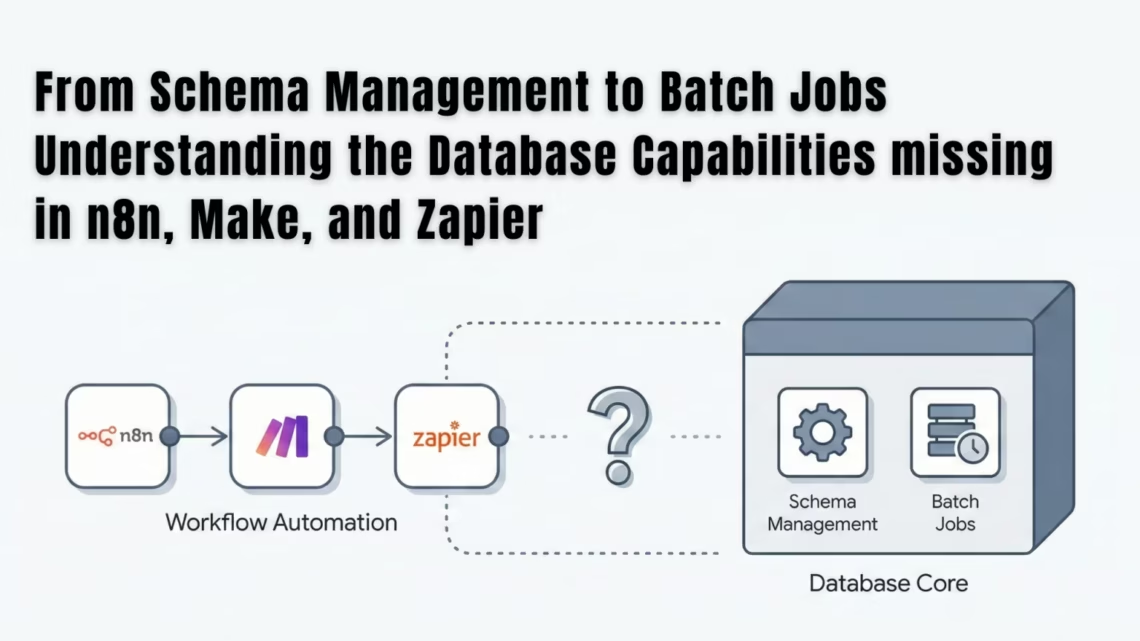
From Schema Management to Batch Jobs Understanding the Database Capabilities missing in n8n/make/zapier
December 4, 2025TL;DR
The biggest database capabilities missing in n8n/make/zapier appear when companies begin working with structured systems like ERP, CRM and marketplace platforms. These automation tools are strong for SaaS connections and lightweight workflows, but lack schema handling, batch processing, transactional control and data governance. eZintegrations bridges this gap by offering enterprise integration with schema aware processing, bulk job execution, monitoring, accuracy and multi system synchronization.
Introduction
Simple workflow automations work perfectly when operations are small. But when a business grows, teams start depending on ERP data, Amazon settlement cycles, inventory sync, order reconciliation and financial postings. At this point, automation platforms must understand structured data and maintain reliability.
This is where the database capabilities missing in n8n/make/zapier become visible. These tools are optimised for triggers, notifications and SaaS app linking rather than enterprise-grade flows.
Automation reports and integration discussions often highlight that workflow automation tools are effective for task execution, while enterprise scale systems require deeper data handling ability.
What Database Capabilities Are Missing in n8n, Make and Zapier?
1. No Schema Management for Structured Data
Schemas define the structure of relational data such as products, orders, invoices, customers and financial postings. n8n, Make and Zapier do not enforce schema relationships or datatype constraints, which leads to inconsistent results when connecting ERP systems.
This limitation becomes serious when integrating
• SAP
• Oracle
• NetSuite
• Salesforce
• Amazon SP API
• Shopify
• Financial systems
Without schema validation, JSON based workflows break easily and troubleshooting becomes time consuming. In contrast, eZintegrations understands schema rules and ensures data integrity across all connected systems.
2. No Support for Large Batch Processing
These tools run one record at a time which is fine for small automations, but becomes restrictive during heavy operations.
Businesses eventually face:
• Long execution time
• Run failures during volume spikes
• Partial updates
• Timeout errors
• Increased cost due to repetitive task execution
eZintegrations supports bulk processing with batch execution, making it ideal for reconciliation, warehouse sync, marketplace postings and order to cash workflows.
3. Limited Error Handling and No Transactional Control
In n8n, Make and Zapier, if a workflow fails mid-way, systems update partially which leads to incorrect financial reports. There is no rollback structure, no multi step state recovery and no transactional safety.
This results in:
• Duplicate entries
• Missing records
• Financial mismatches
• Disconnected audit trails
eZintegrations offers retry logic, workflow monitoring, alerts, field level validation and controlled error handling, ensuring consistent updates across systems.
Why These Missing Capabilities Hurt Growing Companies
At the beginning, businesses may not feel the limitation. But as order counts increase and system loads grow, issues start impacting operations.
Teams then experience:
• Mismatch between ERP and marketplace orders
• Incorrect inventory positioning
• Delayed reporting
• Heavy manual reconciliation work
• Frequent CSV exports to fix data
These gaps delay growth. They also impact leadership visibility and accuracy in P and L forecasting.
How eZintegrations Solves These Database Gaps?
eZintegrations is an AI native enterprise automation and integration platform built for structured, large scale business workflows. It connects applications like SAP, NetSuite, Oracle ERP, Salesforce, Amazon, Shopify, WMS and financial systems with accuracy and governance.
Key advantages include
• Schema aware connectors
• Bulk data handling and ETL scale jobs
• Real time orchestration across systems
• Audit traceable integrations
• Data integrity maintained across operations
• Secure role based access and encrypted processing
This gives companies complete control over workflows without relying on patch based automations.
When Should a Business Move Beyond n8n, Make or Zapier?
A shift is needed when:
• Data volume increases beyond routine workflows
• Financial postings and ERP accuracy matter
• Inventory or reconciliation needs automation
• System performance breaks during peak load
• Governance and compliance must be maintained
At this stage, the business does not need a basic connector. It needs a backbone integration layer that manages data at scale. That is exactly what eZintegrations provides.
Conclusion
n8n, Make and Zapier are excellent tools for SaaS workflow automation and lightweight task execution. However, large datasets, ERP and finance workflows require structured database management, governance and transactional reliability.
This is where eZintegrations fills the enterprise gap by supporting schema logic, batch workflows, accurate multi system sync and stable automation at scale.
As companies grow, they eventually outgrow basic workflow tools and adopt enterprise orchestration platforms to maintain accuracy and efficiency.
For more Information: Book Demo now
Oracle Marketplace

The products are available on the Oracle Cloud Marketplace, enabling customers to deploy and manage it seamlessly within their existing Oracle Cloud Infrastructure (OCI) environment. Availability on the marketplace ensures simplified procurement, faster deployment, and compatibility with Oracle Cloud services.
Learn more on the Oracle Cloud Marketplace
or visit https://cloudmarketplace.oracle.com/marketplace/en_US/homePage.jspx
FAQs
1. What are the database capabilities missing in n8n,Make, and Zapier?
The database capabilities missing in n8n,Make, and Zapier include the lack of schema management, no relational data structure, weak transactional control, and no support for high volume batch processing. These tools work for simple workflows but struggle with enterprise data needs.
2. Why do businesses face data limitations with n8n, Make, and Zapier?
Businesses face limitations because these tools are event based and not built for structured data modelling. They cannot manage ERP or CRM level data, large datasets, or complex transformations required in enterprise workflows.
3. How does eZintegrations solve the database gaps missing in n8n,Make, and Zapier?
eZintegrations solves these gaps by supporting schema aware integrations, batch data processing, large scale workflows, and reliable multi system data synchronization. It handles complex enterprise data with accuracy.
4. When should businesses move beyond n8n, Make, and Zapier?
Businesses should upgrade when workflow volume increases, ERP and CRM integrations are required, financial accuracy matters, or when automations fail during peak load. eZintegrations provides scalable and stable performance for such needs.
5. Are n8n, Make, and Zapier suitable for enterprise data workflows?
These tools are suitable for simple app connections and lightweight automations but not for enterprise workflows that require structured data, batch processing, compliance, and system wide integrity.
6. Can eZintegrations support high volume batch jobs?
Yes. eZintegrations is designed for heavy duty batch jobs, ETL style processing, and multi system data flows. It maintains accuracy across ERP, CRM, marketplace, and database systems even at scale.
7. What makes eZintegrations better for long term automation?
eZintegrations offers schema management, deep connectors, error handling, monitoring, and secure data governance. This makes it ideal for businesses needing stable and scalable automation beyond what n8n, Make, and Zapier can support.

