
Amazon Financial Reconciliation: How to Stop Manual Reconciliation-Guide
December 6, 2025TL; DR
What is the fastest way to reconcile Amazon settlements accurately?
Replace manual spreadsheets with Amazon settlement automation using eZintegrations. Businesses typically reduce reconciliation time by 70–90%, improve accuracy, and gain near-real-time visibility into Amazon financials.
Introduction
What problem does Amazon financial reconciliation solve?
Amazon financial reconciliation ensures that every sale, fee, refund, and adjustment reported by Amazon exactly matches a seller’s internal financial records.
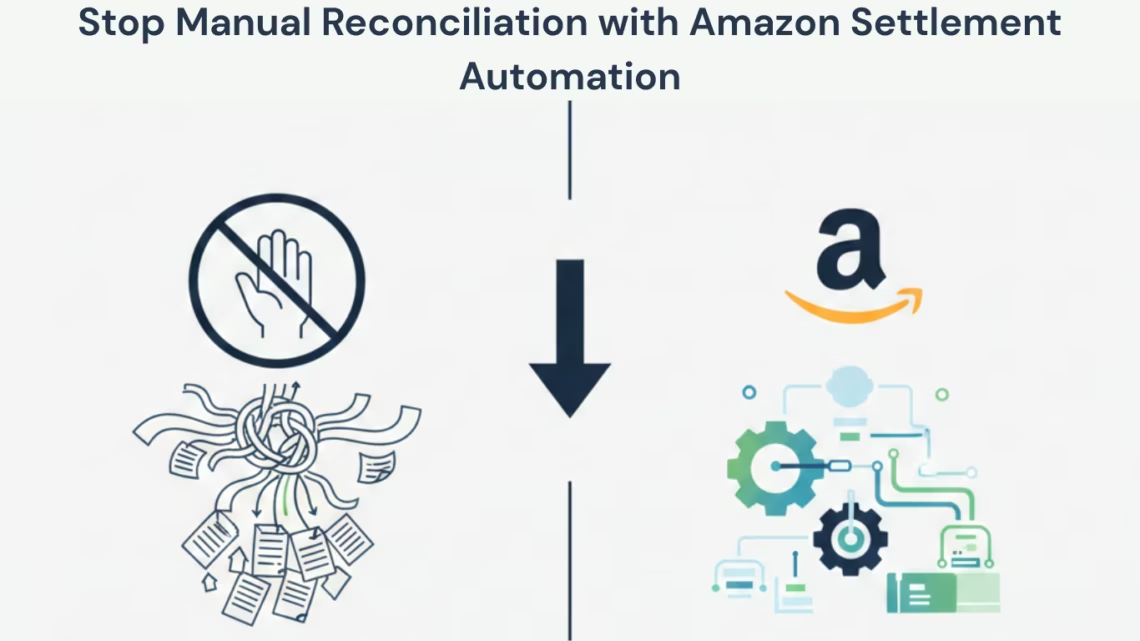
Manually reconciling Amazon settlements often feels like solving a complex puzzle. Finance teams download multiple reports, cross-check spreadsheets, and investigate mismatches line by line. This process is slow, error-prone, and difficult to scale as order volume grows.
Amazon settlement automation eliminates this complexity. With tools like eZintegrations, settlement data syncs automatically, transactions are categorized consistently, and reconciliation runs continuously in the background—turning financial clarity into a standard outcome rather than a manual effort.
Understanding Amazon Financial Reconciliation
What is Amazon settlement automation?
Amazon settlement automation is a software-driven process that automatically retrieves, categorizes, and reconciles financial transactions from Amazon Seller Central accounts.
How it works:
-
Pulls settlement reports via Amazon APIs
-
Categorizes transactions (sales, fees, refunds, adjustments)
-
Matches settlements against orders and invoices
-
Flags only exceptions for review
According to Amazon Seller Central documentation, settlement reports can include thousands of line items per payout, making automation essential as order volume increases.
Why is manual reconciliation inefficient?
Manual reconciliation relies on spreadsheets and human review, which increases processing time and the risk of missed discrepancies.
Supporting data:
Gartner research shows that finance departments routinely spend up to 30% of employee time on repetitive manual tasks, and automation can significantly reduce this burden.
Implementing Amazon Settlement Automation
How do you identify settlement data sources?
You must identify every Amazon seller account and marketplace generating financial data to avoid reconciliation gaps.
Process steps:
-
List all active Amazon Seller Central accounts
-
Include each marketplace (US, UK, EU, etc.)
-
Add legacy accounts still receiving adjustments
-
Document current settlement report storage locations
When to use:
This step is required before automation to ensure 100% data coverage.
How do you connect Amazon accounts to eZintegrations?
Amazon accounts are connected using secure API credentials that allow automated data retrieval.
How it works:
-
Authenticate Seller Central via API access
-
Grant read permissions for financial reports
-
Validate each marketplace connection
Amazon’s Selling Partner API is designed for continuous data synchronization without manual downloads
How does automated transaction categorization work?
Automation applies predefined rules to classify each transaction into accounting-ready categories.
Definition:
Transaction categorization is the process of mapping Amazon transaction types (e.g., FBA fees, refunds) to financial categories.
How it works:
-
Define categories such as Sales, Fulfillment Fees, Refunds
-
Apply rules based on transaction codes
-
Test against historical settlements
Example:
All FBA fulfillment charges are automatically grouped under Fulfillment Costs, eliminating manual sorting.
Financial Reconciliation Automation
How does automated financial reconciliation work?
Automated reconciliation matches Amazon settlement data against internal orders and invoices using predefined rules.
Process steps:
-
Match by order ID, amount, and settlement date
-
Run reconciliation daily or continuously
-
Flag unmatched or duplicate entries
According to PwC finance automation studies, automated reconciliation detects discrepancies weeks earlier than manual reviews, reducing downstream reporting errors .
What happens when discrepancies occur?
Exceptions are flagged automatically for human review.
When to use manual checks:
-
High-value transactions
-
Partial refunds or complex adjustments
-
Cross-border settlement differences
This hybrid approach ensures accuracy while still reducing manual workload by up to 90% .
Monitoring and Reporting
How do finance teams monitor automated reconciliation?
Finance teams review dashboards and summary reports instead of raw spreadsheets.
Key metrics to track:
-
Reconciliation success rate
-
Exception volume
-
Settlement processing time
-
Pending adjustments
Example:
Weekly reviews often show 85–95% of transactions reconciled automatically, freeing finance teams for analysis rather than data entry.
Before vs. After Amazon Settlement Automation
What changes after automation is implemented?
Before:
-
Manual report downloads
-
Spreadsheet comparisons
-
Delayed financial visibility
-
Higher risk of human error
After:
-
Automatic settlement syncing
-
Rule-based categorization
-
Continuous reconciliation
-
Near-real-time financial summaries
McKinsey reports that finance automation improves reporting speed by 30–50% while reducing error rates significantly.
Success Indicators
How do you measure successful automation?
-
70–90% reduction in manual reconciliation time
-
Settlement summaries available within 24 hours
-
Significant decrease in reconciliation errors
-
Faster identification of Amazon discrepancies
Conclusion
Is Amazon settlement automation worth it?
Yes. Amazon settlement automation with eZintegrations transforms financial reconciliation from a manual, error-prone task into a scalable and accurate workflow.
Automation delivers faster reporting, fewer errors, and greater control over Amazon financial data—making it essential for growing Amazon businesses.
Oracle Marketplace
This product is available on the Oracle Cloud Marketplace, enabling customers to easily deploy and manage it within their Oracle Cloud environment. Availability on the marketplace ensures streamlined procurement, simplified billing through Oracle, and compatibility with Oracle Cloud Infrastructure standards.
Learn more on the Oracle Marketplace
or visit https://cloudmarketplace.oracle.com/marketplace/en_US/listing/155501187
FAQ’s
1. What is Amazon settlement automation?
It is the process of using software like eZintegrations to automatically retrieve, categorize, and reconcile Amazon settlements without manual data entry. Exceptions that need human review are flagged automatically.
2. Can automation fully replace manual reconciliation?
Automation handles most transactions. Exceptions still benefit from human judgment. Automation removes 70-90 percent of manual reconciliation work.
3. How does it save time?
Tasks that took 10-15 hours weekly now require only 1-2 hours for exception review. Automation continuously updates reconciliation status.
4. Is technical knowledge required?
eZintegrations is user-friendly, guiding finance teams through setup, category creation, and reconciliation rules.
5. How are refunds and returns handled?
Refunds, returns, and associated fees are tracked and reconciled automatically, including partial refunds and restocking fees.
Stop wrestling with manual reconciliation. Command financial workflows through Amazon settlement automation with eZintegrations.
Book a demo now.

